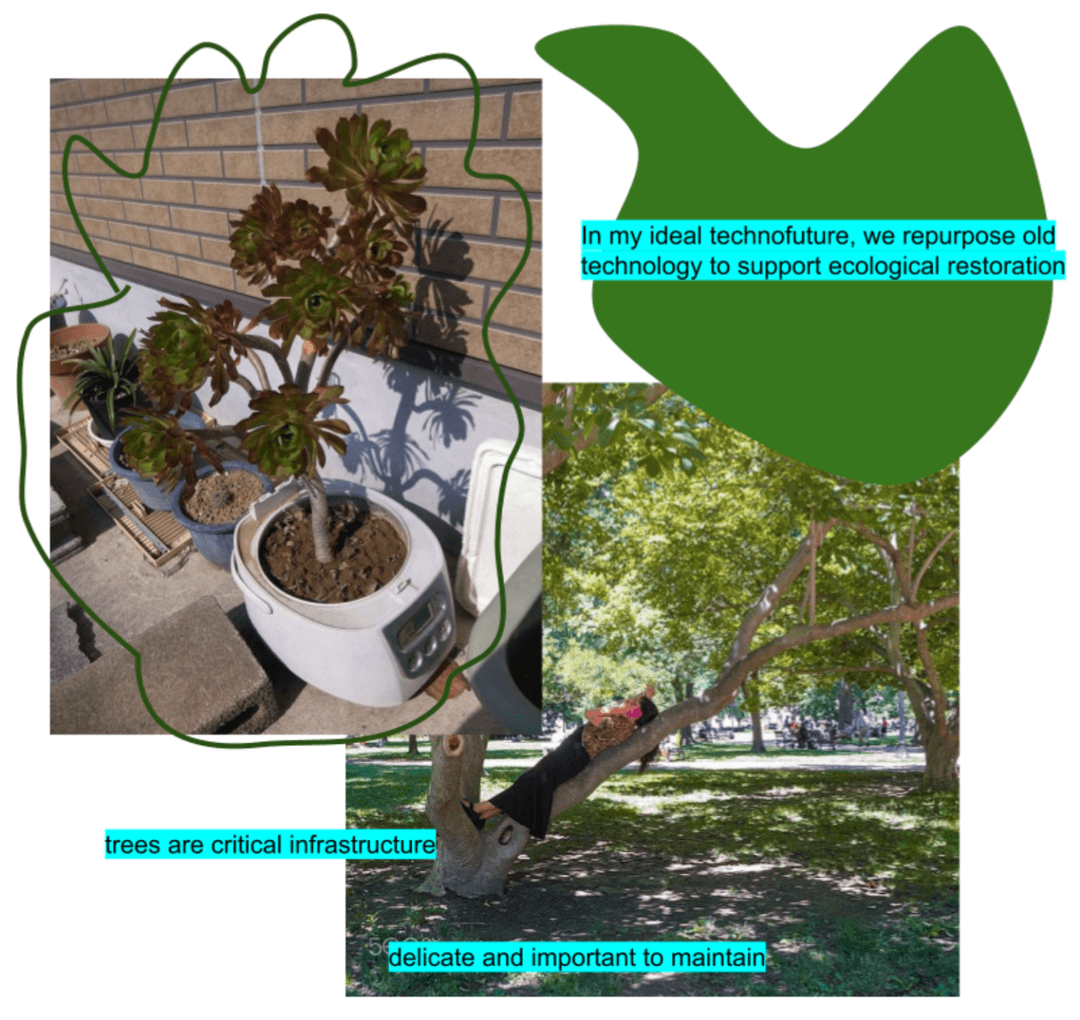
How to make art in Google Docs

Making a drawing
Using Google Docs' drawing feature, you can create a canvas and combine images, text, and freeform shapes into a single, drag-and-droppable image on the page.
Creating the drawing
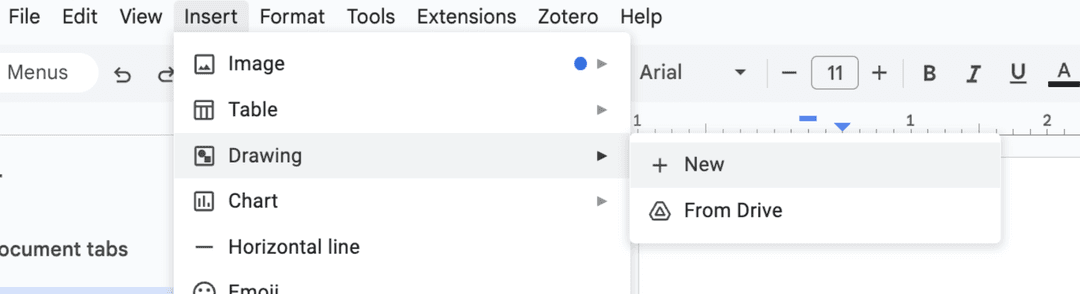
Insert new drawing on a page under Insert > Drawing > New
Adding images
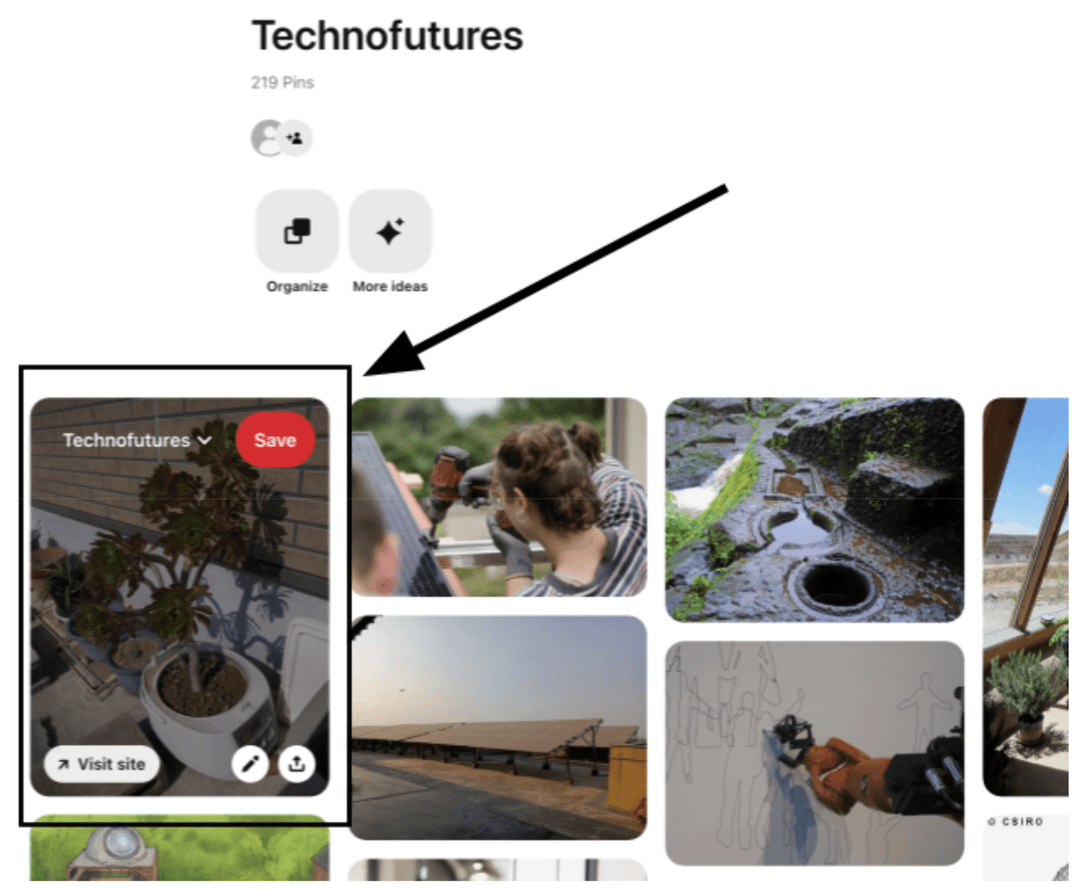
In a new tab, find the image you would like to include. In this example, I'll be showing how to grab an image from our image bank. Copy the image you want to use (I did this by right clicking, this may vary based on your computer).
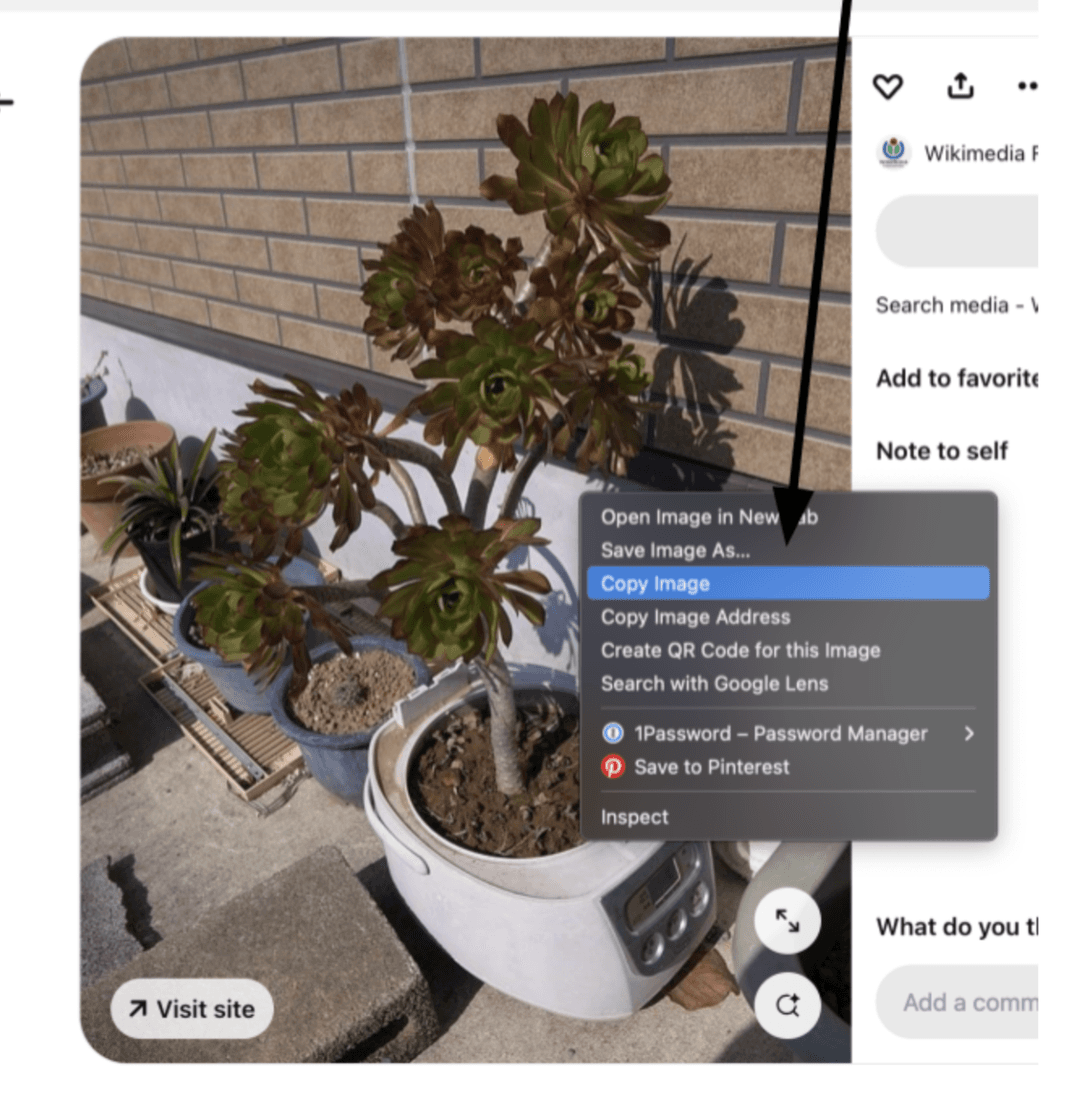
In your original tab, paste the image into your drawing.
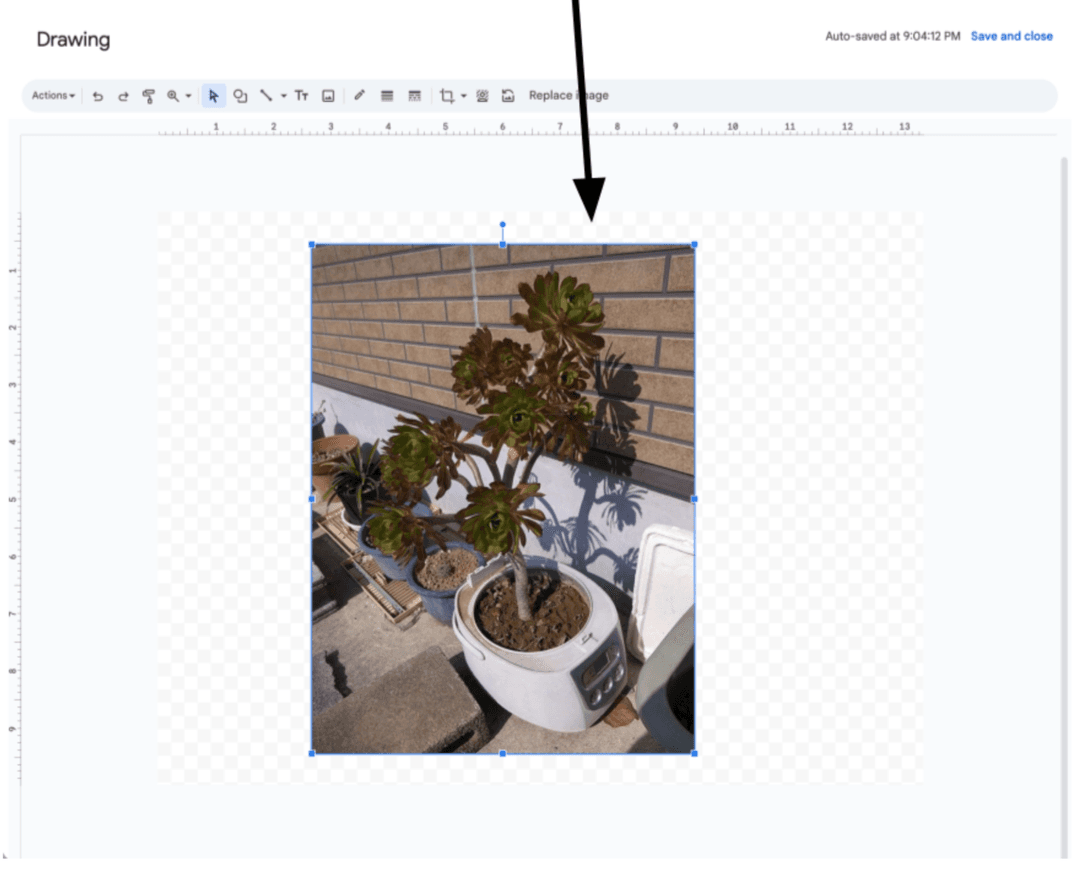
Editing the collage
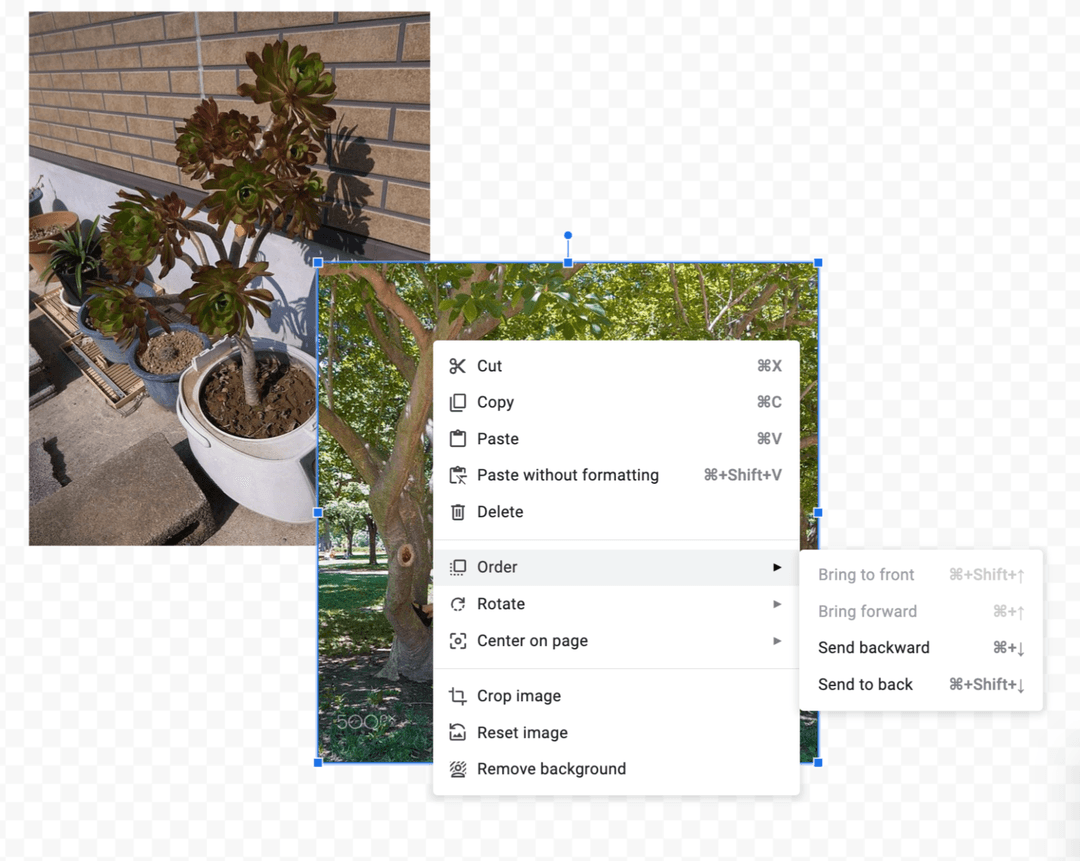
When you add multiple images, you can reorder them on the page by right clicking and selecting "Order"
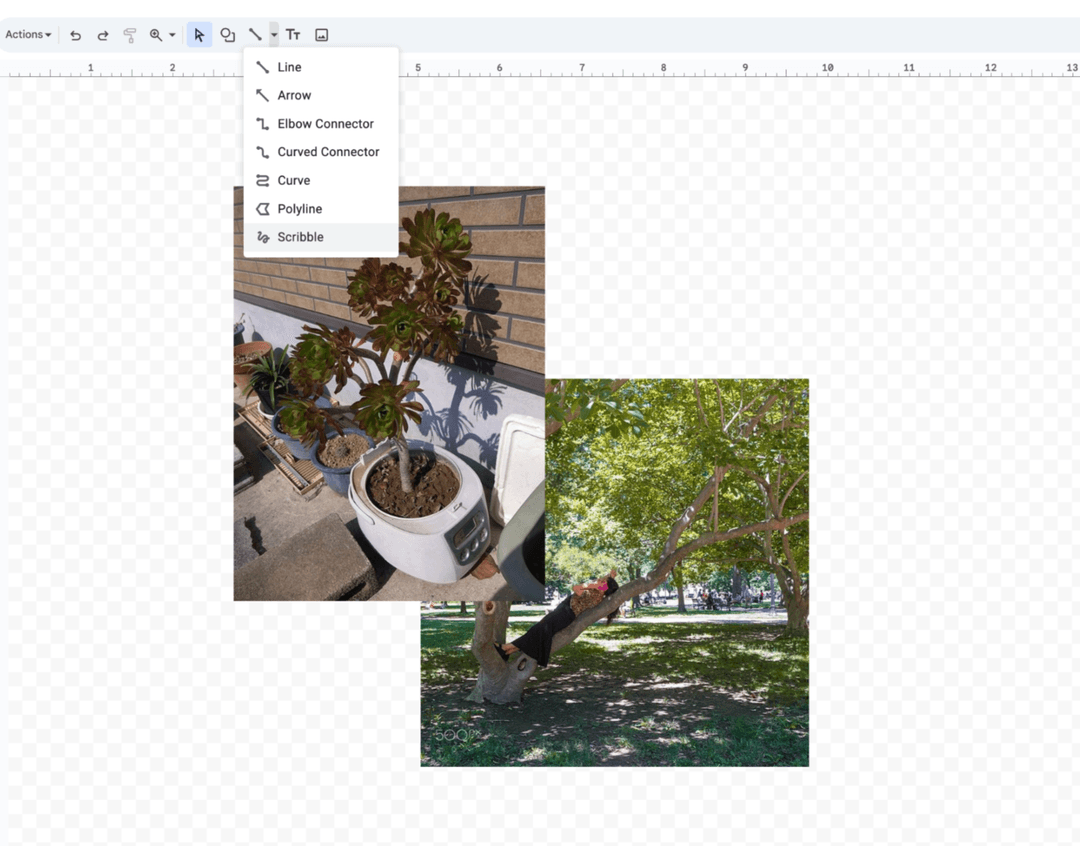
You can experiment by adding drawing lines, curves, shapes, and text using the menus at the top.
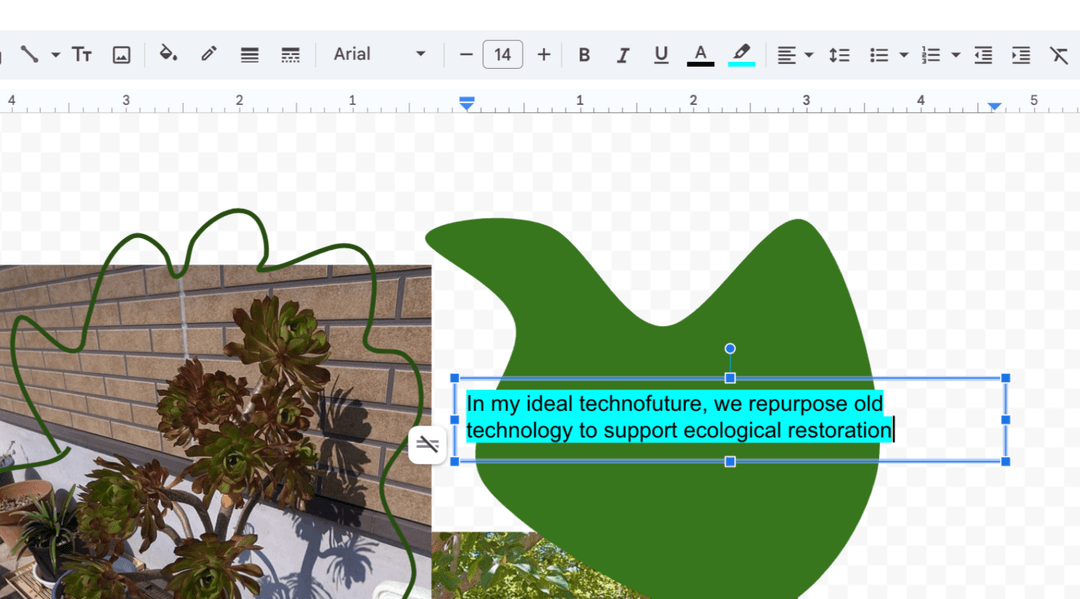
A finished example might look like: